 Couple Quiz
 Web Trap
 Wend Game, Play Free Online Word Puzzles
 Snake
 Play Wordle Online Free
 Play 2048 Online Free
 2048 Cupcakes
 Cupcake Drop
 Free Klondike Solitaire Online
 Spider Solitaire - Game Online
 Play Sudoku Online
 Tic Tac Toe
 Chess
 Ludo
 Jigsaw Puzzles Online
 Rung
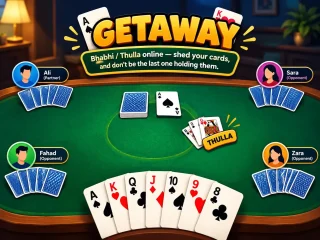
 Getaway
 Minesweeper
 Water Sort Puzzle
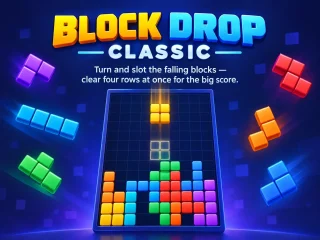
 Block Drop Classic
 Reaction Time Test
 Teen Patti
 Carrom
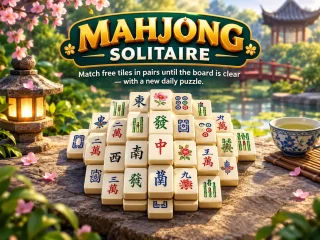
 Mahjong Solitaire
 Sky Flap
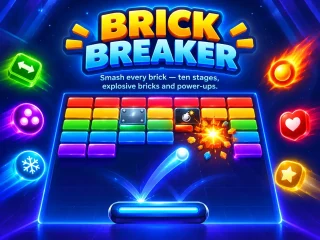
 Brick Breaker
 Bubble Shooter
 FreeCell Solitaire
 Snakes & Ladders
 Memory Match
 8 Ball Clash
 Arrow Puzzle
Chess
The royal game — outthink your opponent and hunt down the king. Every rule of real chess — castling, en passant, promotion, stalemate and repetition — against five levels of computer, or a friend beside you.
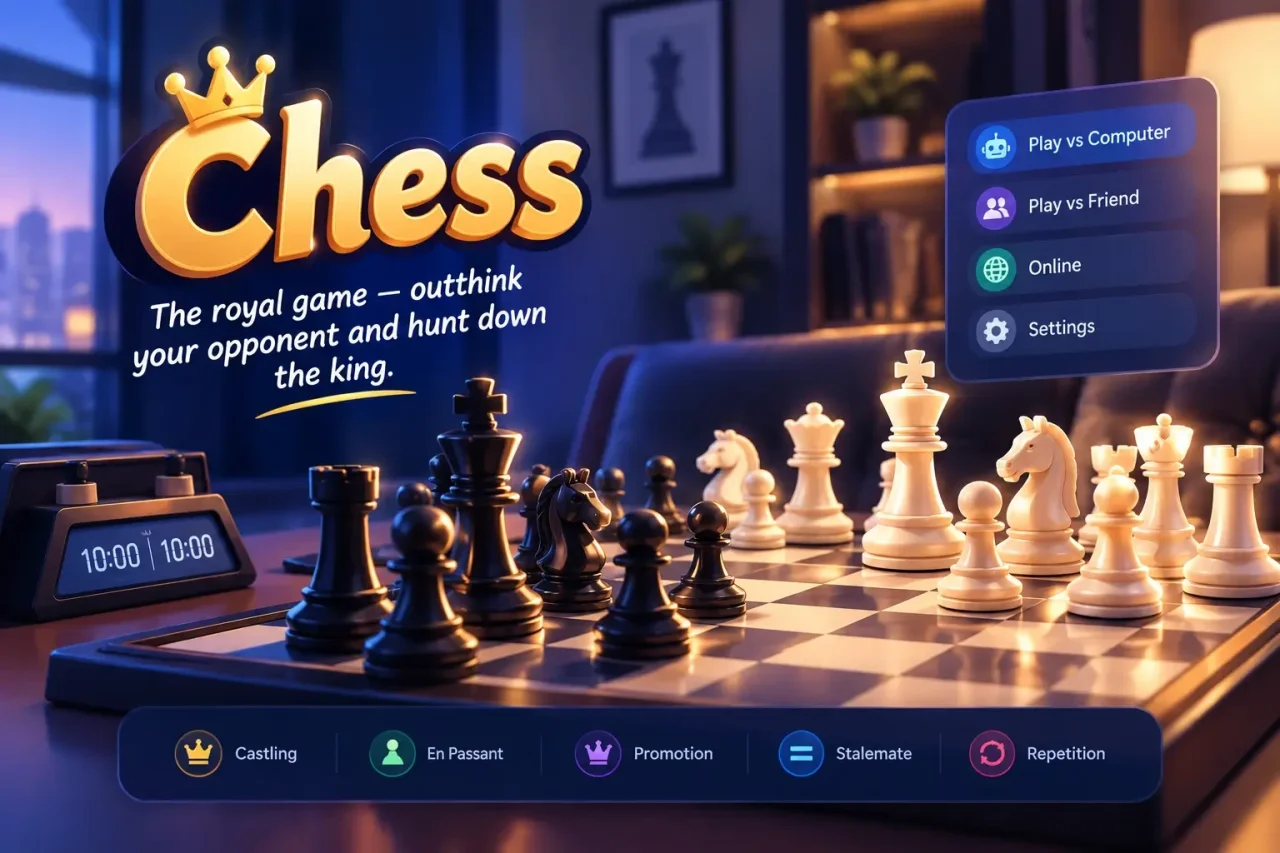
Play chess online free — against the computer or a friend
Chess is the oldest strategy game still played by millions every day — and on WishnPlay you can play chess online for free, straight in your browser, with no download and no account. Take on the chess computer at five strengths, from a gentle Beginner that deliberately plays weaker moves, through Casual, Club and Expert, up to a Master that searches five moves ahead and never blunders, or switch to Pass & Play and play 2 player chess with a friend on one phone, tablet or laptop.
Every rule of real chess is here: castling on either side, en passant, pawn promotion to the piece of your choice, check, checkmate, stalemate, threefold repetition and the fifty-move rule. Tap a piece and every legal square lights up, every move is written in proper algebraic notation, so it’s a friendly way to learn chess for beginners — and a quick, clean board for experienced players who just want a game against the AI.
Why players love Chess
Simple to pick up, easy to love.
Five CPU strengths
From a gentle Beginner to a Master that searches five moves deep.
Pass & Play
Play a friend on one device, with a board you can flip between turns.
Hints & takebacks
Ask for the best move, or take one back and try a different idea.
Proper notation
Every move recorded in standard algebraic notation as you play.
Four board themes
Violet, classic wood, emerald or slate — and flip the board any time.
Games auto-save
Close the tab mid-game and pick the position straight back up.
A game fifteen centuries in the making
Chess grew out of chaturanga, played in India around the sixth century, travelled through Persia as shatranj and reached Europe in the Middle Ages, where the queen and bishop gained their long-range moves and the modern game was born. It has survived so long because it has no luck at all: every win is earned. A game against the computer takes ten minutes or an hour, the five difficulty levels let you climb at your own pace, and your game saves as you play — so a coffee-break chess game online can turn into a lifelong hobby.
How to play chess: the rules in two minutes
- White moves first, then the two sides take turns, one move each.
- Pawns move straight ahead one square (two on their first move) and capture diagonally. Knights jump in an L-shape, bishops slide diagonally, rooks slide in straight lines, the queen does both, and the king steps one square in any direction.
- Capture by moving onto an enemy piece. A pawn that reaches the far side promotes — almost always to a queen.
- When your king is attacked you are in check and must get out of it straight away.
- Attack the enemy king so it has no escape — checkmate — and you win. No legal move but not in check is stalemate, a draw.
Chess controls
Play with a mouse or a finger — and use these keyboard shortcuts on a computer:
- Click Click a piece, then the square to move it to.
- U Take back your last move.
- H Show a hint.
- F Flip the board.
- N Start a new game.
- Esc Clear your selection.
Chess tips for beginners (that still work at club level)
- Fight for the centre. Open with a centre pawn (e4 or d4) — pieces in the middle control more squares.
- Develop, then castle. Get your knights and bishops out before moving the same piece twice, and castle early to tuck your king away.
- Check every capture. Before each move, ask what your opponent is attacking and what you leave undefended. Most games at every level are lost to a simple blunder.
- Don’t bring the queen out too early. She becomes a target and you lose time running away.
- Learn from the takeback. Lost a piece to the computer? Undo, look for what you missed, and play the better move — it’s how the hint and takeback buttons are meant to be used.
Frequently Asked Questions
Quick answers before your opening move.
Ready to play Chess?
No download, no sign-up — jump straight in and play free in your browser on any device.
Play ChessMore free games to play
No download, no sign-up — pick another game and dive in.