 Couple Quiz
 Web Trap
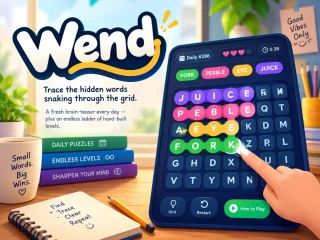
 Wend Game, Play Free Online Word Puzzles
 Snake
 Play Wordle Online Free
 Play 2048 Online Free
 2048 Cupcakes
 Cupcake Drop
 Free Klondike Solitaire Online
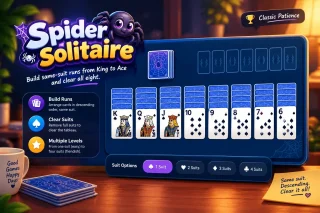
 Spider Solitaire - Game Online
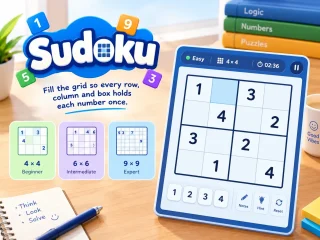
 Play Sudoku Online
 Tic Tac Toe
 Chess
 Ludo
 Jigsaw Puzzles Online
 Rung
 Getaway
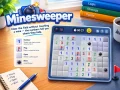 Minesweeper
 Water Sort Puzzle
 Block Drop Classic
 Reaction Time Test
 Teen Patti
 Carrom
 Mahjong Solitaire
 Sky Flap
 Brick Breaker
 Bubble Shooter
 FreeCell Solitaire
 Snakes & Ladders
 Memory Match
 8 Ball Clash
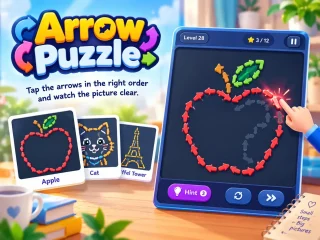
 Arrow Puzzle
Minesweeper
Clear the field without touching a mine — the numbers tell you where they hide. Every number counts the mines around it. Read them carefully, flag what you find, and open every safe square before the clock runs away from you.
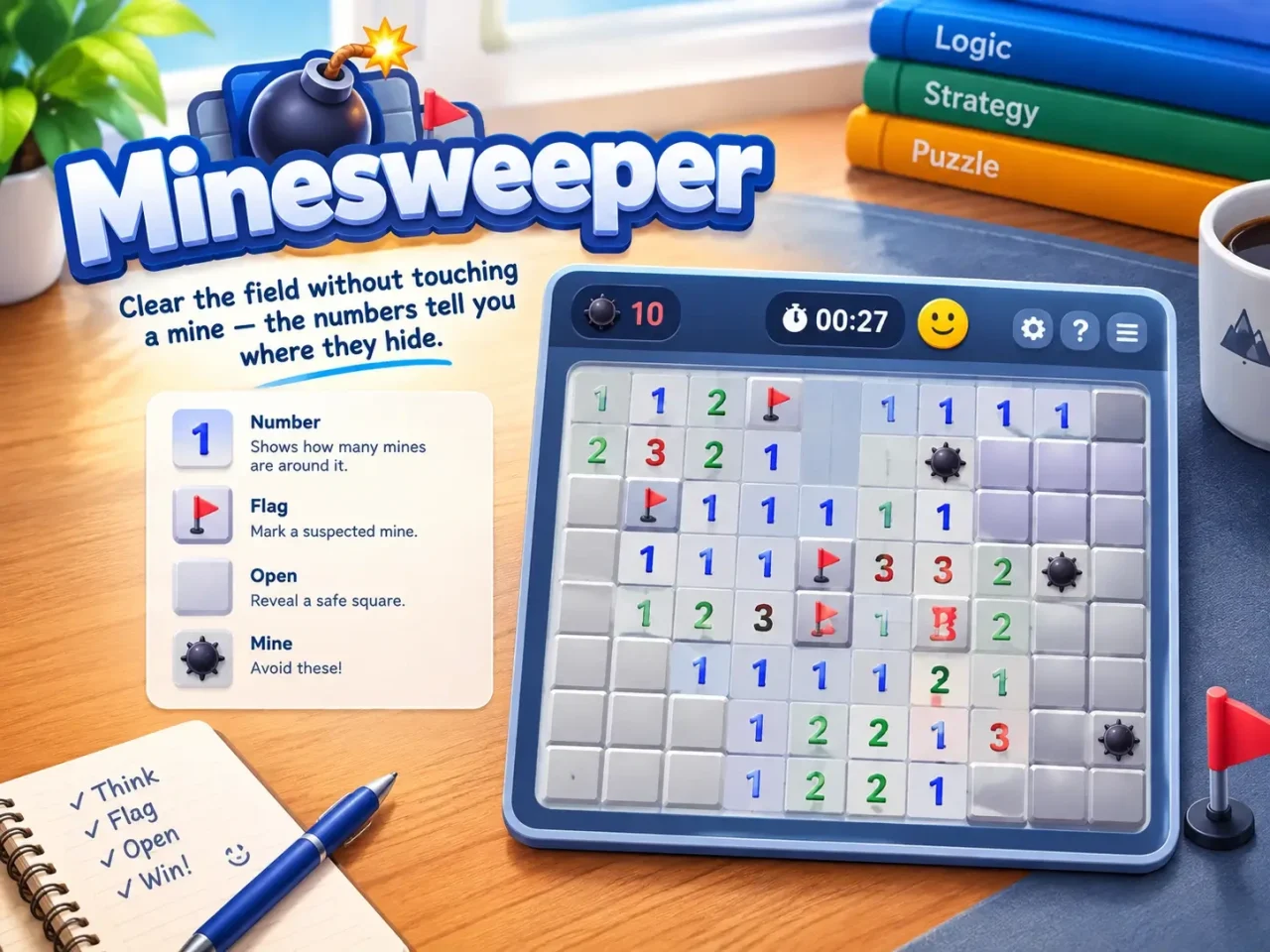
Play Minesweeper online — classic, free, no download
Minesweeper is the classic logic puzzle game: a grid of hidden squares, a handful of mines, and numbers that tell you exactly how many are nearby. Play Minesweeper free on WishnPlay in the three classic sizes — Beginner, Intermediate and Expert — on a computer with a mouse or keyboard, or on your phone with touch controls built for it.
Your first click is always safe and opens up an area, so you never start with a guess. Flags, chording, a keyboard cursor, Minesweeper with hints when you’re stuck, best times for every size, and unfinished boards saved on your device.
Why players love Minesweeper
Simple to pick up, easy to love.
Three classic sizes
Beginner 9×9, Intermediate 16×16 and Expert 16×30.
Safe first click
No first-move losses — the board is laid after you start.
Chording
Tap a finished number to open all its neighbours at once.
Hints
Stuck? A hint shows a square that logic proves is safe.
Touch friendly
Long-press or flag mode on phones; Expert turns to fit.
Best times
Your fastest clear on each size, and leaderboard points.
Why Minesweeper is still worth playing
Minesweeper became a household name when it came bundled with Windows in the early 1990s, and it has kept a devoted following ever since — from casual players to speedrunners chasing Expert records. It’s pure deduction: nearly every move can be worked out from the numbers, so each board feels like a small proof. With a safe first click, hints and a Minesweeper mobile-friendly layout, it’s easy to pick up and satisfying to master.
How to play Minesweeper
- Click a square to open it. Open a mine and the game is over.
- A number shows how many of the eight surrounding squares hide a mine. A blank square has none, so its neighbours open automatically.
- When you’re sure a square is a mine, flag it (right-click, long-press or Flag mode).
- Chord: click a number that already has the right number of flags around it to open all its other neighbours at once.
- Open every safe square to win.
Minesweeper controls
- Click Open a square.
- Right-click Flag a square. On a phone, long-press or turn on Flag mode.
- Up Down Left Right Move the keyboard cursor.
- Space Enter Open the square under the cursor.
- F Flag it.
- H Hint.
- R Restart.
Minesweeper strategy: patterns every player should know
- Start with the 1s. A 1 touching only one hidden square means that square is a mine. Flag it and move on.
- Learn 1-2-1. Along a straight edge, a 1-2-1 means the mines are under the two 1s — and the square under the 2 is safe.
- Learn 1-2-2-1. On an edge, the mines sit under the two 2s.
- Subtract what you know. If a 3 already touches two flags, the one remaining mine is in its other hidden squares.
- Chord to save time. Once a number is fully flagged, one click clears its neighbours — the secret to fast Expert times.
Frequently Asked Questions
Quick answers before your first click.
Ready to play Minesweeper?
No download, no sign-up — jump straight in and play free in your browser on any device.
Play MinesweeperMore free games to play
No download, no sign-up — pick another game and dive in.